QR codes for taking payments
Make a code that opens your pay page: Venmo, PayPal, Cash App or any payment link you choose. Put it on a counter card, an invoice or a van door. We also design pay wallpapers, so you can take payment from your lock screen.
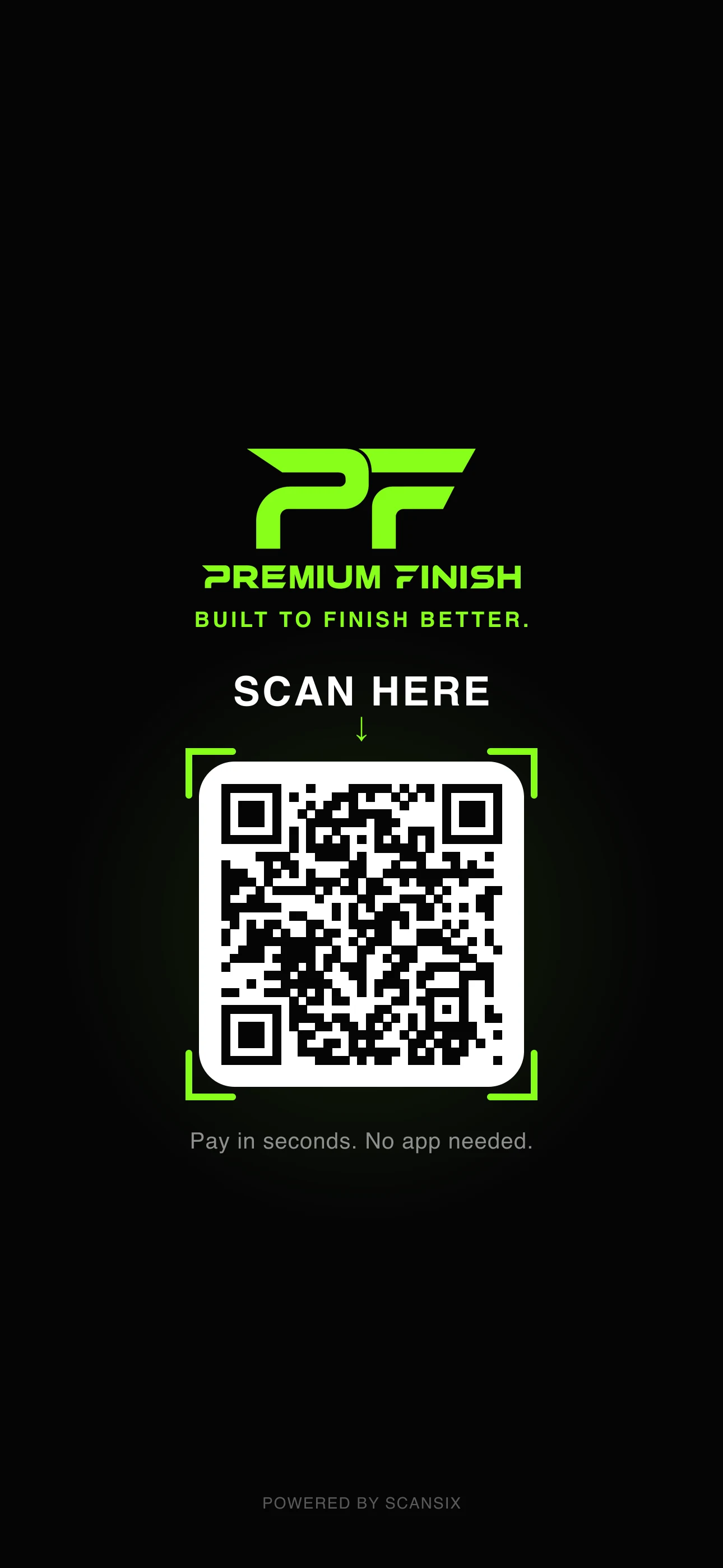
The demo plays a custom build: a pay wallpaper on the shop's phone and watch, and a customer scanning it and paying. The amounts and the customer are examples.
How it works
Show the code.
Get paid.
- 01Pick how you get paidVenmo, PayPal or Cash App, or paste any payment link.
- 02Make the code yoursYour colours and shapes, with your logo in the middle.
- 03Show itPrint it for the counter, add it to invoices, or hold up your phone.
- 04Change it anytimeSwitch to a different account or link later. The printed code stays the same.
Included
All of this, on every plan.
- Venmo, PayPal and Cash App
- Any payment link
- Dynamic link
- Unlimited scans
- Your colours and logo
- PNG and SVG files
Plans differ in how many codes and team members you get. Compare plans
Built for you
Get paid from your lock screen
We make you a custom phone and Apple Watch wallpaper with your brand and your pay code built in. Hold up your screen, they scan and pay. Custom builds are quoted per project.
Get a pay wallpaperQuestions
Questions,
answered.
Which payment apps work?
Venmo, PayPal and Cash App are built in. You can also paste any payment link, such as a checkout page from your payment provider.
Does ScanSix handle the money?
No. A payment code opens your own pay page and the payment happens there, with that provider.
Can I change where the code points?
Yes. Switch the account or the link in your dashboard and the same printed code opens the new one.
What is a pay wallpaper?
A phone and Apple Watch wallpaper we design in your brand, with your pay code built in. It is a custom build, quoted per project.
Do customers need an app to scan?
No. They scan with the phone camera. Paying with Venmo, PayPal or Cash App then uses that app or its website.
More use cases
- Restaurant menusOne code on every table. Change the menu without reprinting.
- Real estate signsA yard sign that opens the listing, and the next one after it sells.
- Business cardsOne scan saves your details to their phone. Change them anytime.
- Coupons and offersA flyer or receipt that opens your offer. Change the deal anytime.